


How Clio works with Repsight

Online reviews are one of the most critical factors in getting your law firm found online. More high scoring reviews can improve your search ranking and bring in more clients. Learn how to quickly build more reviews by connecting Repsight and Clio.
Connecting Clio and Repsight
If you haven't done so already, you will need to register for a Repsight account and connect it to Clio. See the article, "Connecting Clio and Repsight" for more information.
Generating a review request
The Repsight process begins when you close a matter in Clio. Once closed, Clio will automatically send the matter's client contact information to Repsight.
Repsight then sends (without you having to do anything) a review request to those contact details. Your client receives an email / text message thanking them for their business, and asking them to rate you. You can choose between emails, text messages, or both in your Repsight settings. The email will be customized with your practice or firm name, and can be previewed on your Repsight dashboard.
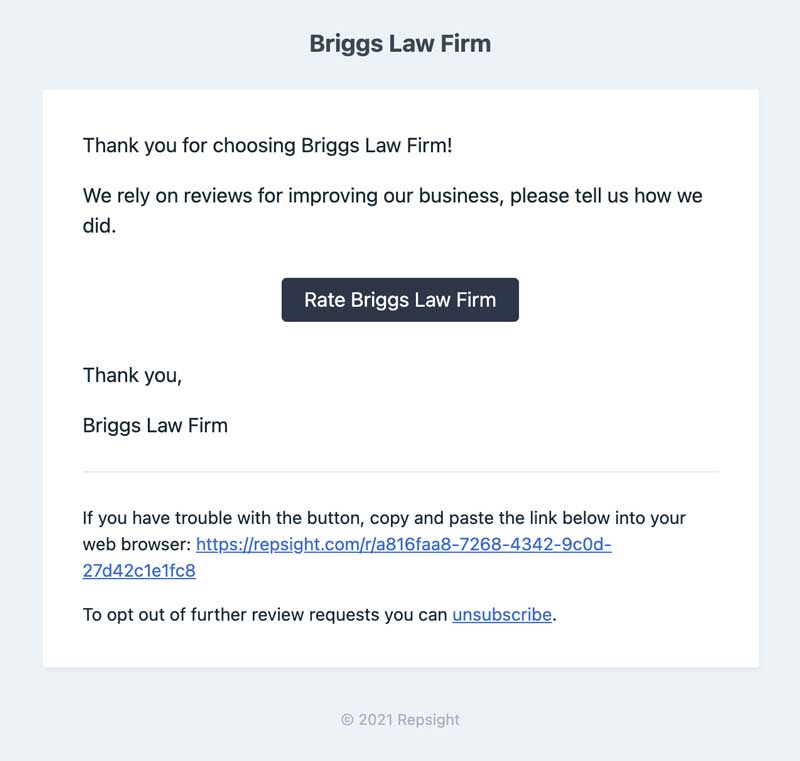
Every matter will only generate a review request once. If you re-open a matter and close it again, no review request will be sent. If your client does not respond to the first review request within three days, a final follow-up request will be automatically sent.
Pro tip: You can customize the subject and wording of this email in your Repsight settings.
The review process
When your clients click on the review request, they are presented with a choice of 1 to 5 stars.
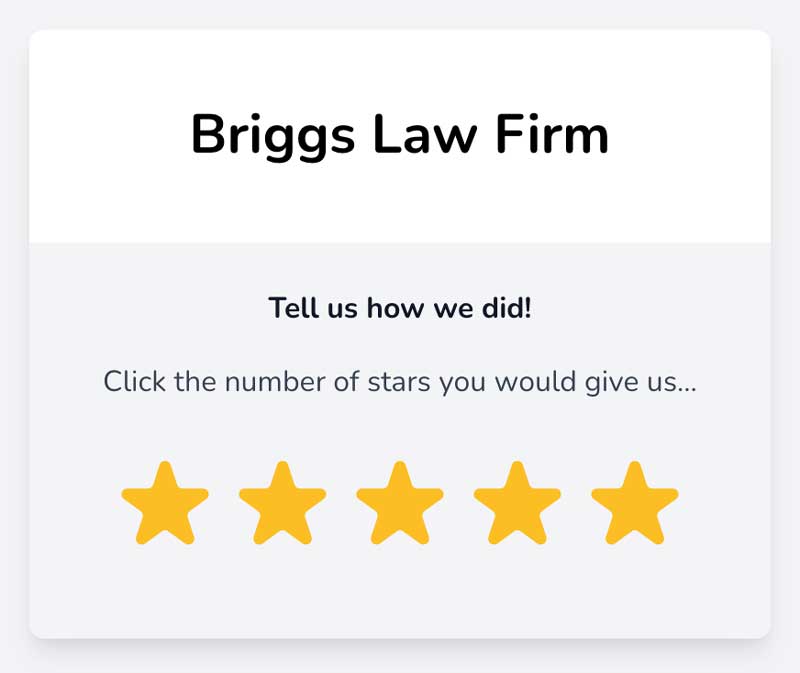
Once the client picks a rating, Repsight sends them to one of your public review sites (Google, Facebook, Yelp or Avvo) or to a private feedback form, depending on the rating and your settings.
Anything a client writes in the private feedback form is emailed straight to you. Clients who get the form see all of your review sites after they send it. If you turn on "Show every client the feedback form and all review sites" in Settings, every client sees the form first and can then pick any of your review sites.
Over time you'll collect more reviews, which helps your search ranking.
Notifications
You will receive email notifications any time your review scores change on your public review sites.
For more information on how to set up Clio with Repsight, see "Setting up Clio and Repsight."